
Juggling a few multiple Instagram accounts isn't just for social media managers anymore—it's become a totally normal and strategic way for creators and businesses to operate. Think of it as creating separate, focused spaces for different parts of your life or brand, ensuring the right audience gets the right content.
Why You Need More Than One Instagram Account
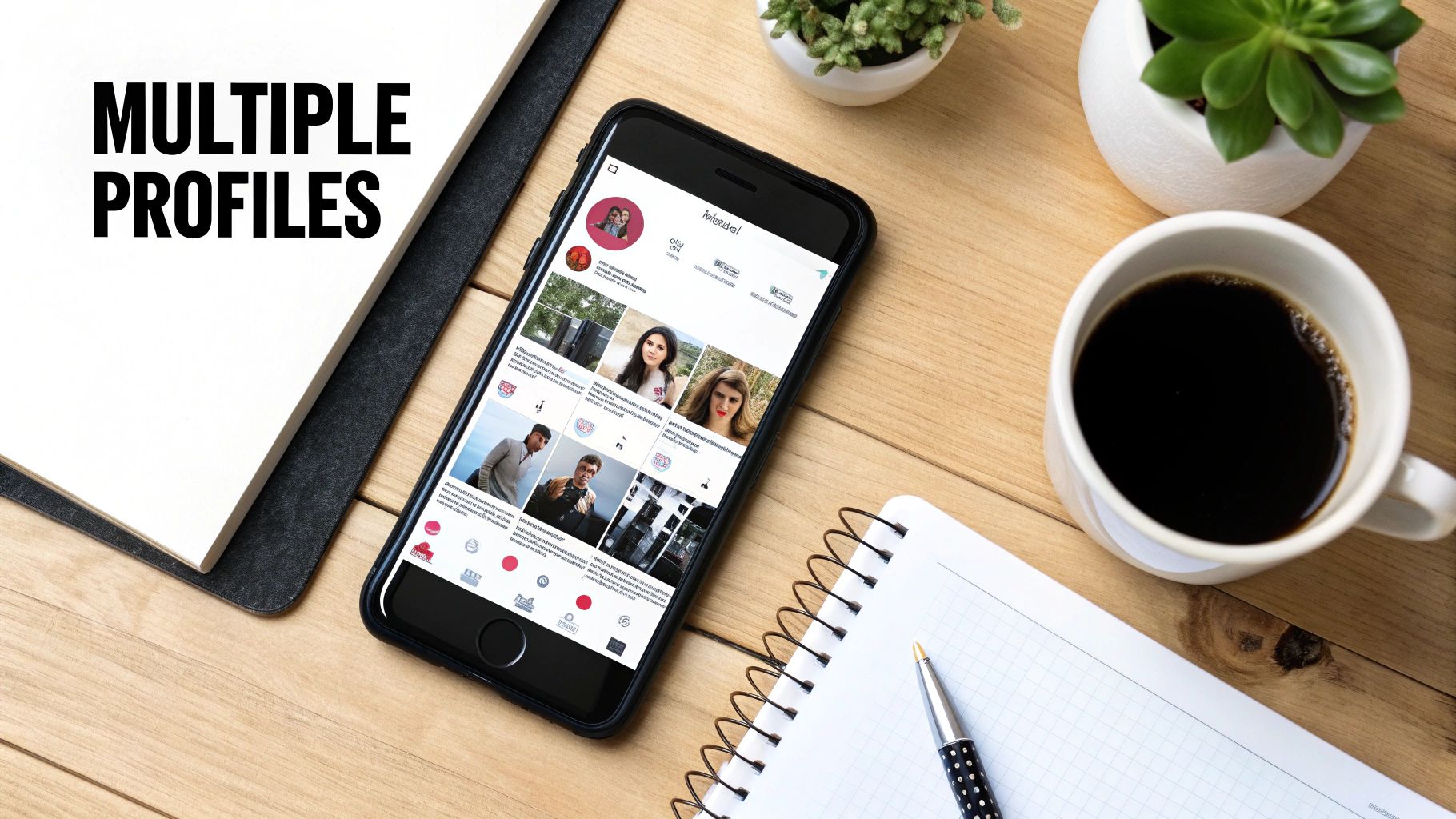
Running more than one Instagram profile has moved from a niche agency tactic to a smart play for anyone wanting to build distinct online identities. When you keep your accounts separate, you stop the streams from crossing. This clean separation leads to sharper content, stronger communities, and messaging that actually hits the mark.
This isn't just theory. I see it play out all the time. A startup founder, for instance, might keep a personal account for their inner circle while running a polished, professional page for their company. This simple split prevents their vacation photos from popping up next to a major product launch, keeping the brand's image consistent and professional.
Defining Your Digital Spaces
Take a freelance photographer I know. She uses one account as a high-end professional portfolio to attract clients, showcasing only her absolute best work. Then, she has a second, more personal account where she shares behind-the-scenes shots from her travels and snippets of her daily life. She's connecting with two different audiences in two completely different ways, and it works beautifully. Each account has its own purpose and speaks to a specific group of followers.
This kind of digital separation is a growing trend. It's estimated that 15-20% of users worldwide run more than one account. That number gets even bigger for younger demographics, jumping to 28% for users aged 18-29. This shift shows just how intentional people are becoming about curating their digital presence for different facets of their lives. You can find more data on user behavior that backs this up.
By creating separate accounts, you’re giving yourself the freedom to play with different content styles and tones. Your business account can stay buttoned-up and on-brand, while a personal or niche account can be way more authentic and experimental.
Common Scenarios for Multiple Accounts
The need to manage multiple Instagram accounts pops up everywhere, across all sorts of industries and roles. Here are a few common situations I run into:
- Local Businesses with Multiple Locations: A coffee shop with outposts in different neighborhoods might give each one its own account. This lets them promote hyper-local events and build a real community around each specific spot.
- Creators with Diverse Interests: A fitness influencer who’s also passionate about vegan cooking might split their content. This allows them to build two dedicated audiences for each niche without confusing followers who only care about one or the other.
- Consultants and Coaches: So many professionals use one account to sell their services and another to build their personal brand as an industry thought leader. One is for business, the other is for influence.
Each of these examples shows a clear strategic upside. Once you’ve confirmed that separation makes sense for you, you can start building a more organized and effective presence on Instagram.
Using Instagram's Built-In Account Switcher
Before you start looking at third-party tools, it’s worth getting the hang of what you can do right inside the Instagram app. It’s the logical first step. If you're just juggling a personal account and maybe one for a new side hustle, Instagram’s own features are surprisingly decent for keeping things organized.
The whole process is baked right into the app. Let's say you're a freelance social media manager and you've just landed a new client, a local coffee shop. You’d just go to your profile, tap your username at the top, and hit "Add Account." Punch in the coffee shop's login details, and boom—their profile is now linked directly within your app. No fuss.
The Fast Switch and Its Boundaries
Once you’ve linked the accounts, the real magic is in the quick-switching. Just long-press your profile picture icon in the bottom navigation bar, and a menu pops up with all your connected accounts. One tap is all it takes to hop from your personal feed over to the coffee shop's profile to post their morning latte special. This is a massive improvement over the old days of logging out and back in every single time.
But this convenience hits a wall, and it hits it hard. You can only add up to five accounts inside the Instagram app. For a freelancer with just a client or two, that might be perfectly fine. But if you’re running a growing agency or managing multiple brand pages for a larger company, this limit goes from a minor quirk to a major headache almost overnight.
The native account switcher is an excellent starting point for basic management. It’s designed for simplicity and quick access, but it's not built for scaling your operations or creating content efficiently across multiple profiles.
The problem isn't just the raw number of accounts, either. The real challenge comes when you need to push the same announcement or a new campaign to several profiles at once. The native app gives you no way to do this simultaneously. You're stuck switching into each account, one by one, and manually recreating the exact same post over and over. It's not just tedious; it's a recipe for mistakes and inconsistencies.
Comparing Native vs. Dedicated Tools
This is where the limitations really start to show and why specialized tools become so important. The in-app switcher is great for accessing your accounts, but it does absolutely nothing to help you distribute content efficiently.
Let’s be honest, for anyone serious about managing multiple accounts, the native app is just a stepping stone. Once your needs evolve beyond simple switching, the friction becomes obvious. A dedicated management tool doesn't just add more account slots; it fundamentally changes your workflow.
Here’s a clear look at where the native app falls short and a proper tool takes over:
Instagram Native App vs. Management Tool Capabilities
| Feature | Native Instagram App | Management Tool (e.g., Late) |
|---|---|---|
| Account Limit | Capped at 5 accounts | Virtually unlimited |
| Cross-Posting | Manual, one-by-one posting | Schedule one post to multiple accounts at once |
| Content Scheduling | Limited to in-app scheduling for single posts | Advanced calendar, bulk scheduling, and queuing |
| Analytics | Basic insights per account | Centralized, comparative analytics dashboard |
Ultimately, the built-in switcher is the perfect tool for getting your feet wet. It solves the immediate annoyance of logging in and out. But the moment your strategy involves more than a couple of accounts or a consistent multi-profile content plan, you’ll outgrow it. That's the exact point where a platform like Late transitions from a "nice-to-have" into an absolute necessity.
Connecting Your Accounts for Professional Tools
If you're serious about scaling how you manage multiple Instagram accounts, you'll eventually hit the ceiling of what the native app can do. The real game-changer is connecting your profiles to the broader Meta Business Suite. This is the official gateway that lets professional management tools, like Late, plug into your accounts.
Think of it as giving a trusted third-party platform permission to work on your behalf. This step unlocks the features that truly matter for efficiency: content scheduling, unified analytics, and posting to several accounts at once. This all happens through the Instagram Graph API—a secure pipeline that lets different software applications talk to Instagram safely.
Business vs. Creator: What to Choose
When you make this connection, Instagram will prompt you to classify your profile as either a Business or a Creator account. This decision isn't just a label; it directly impacts the tools and analytics you get access to.
- Business Account: This is the go-to for brands, local businesses, and anyone selling products or services. It unlocks features like contact buttons, location tags, and the full suite of advertising tools.
- Creator Account: Designed for public figures, influencers, and artists. You get more nuanced control over your profile, better messaging filters to sort through DMs, and detailed analytics focused on follower growth.
For most use cases that involve clients or e-commerce, the Business account is your best bet. If your main goal is building a personal brand through content, the Creator profile will feel more natural. The good news? You can switch between them, so don't stress about being locked into the wrong choice forever.
This visualization shows the simple flow for juggling accounts inside the native app, which is the foundation you'll build upon with these more powerful tools.

While the app handles the basics, connecting your accounts to the Meta ecosystem is what allows you to automate and streamline these actions at scale.
Understanding API Tokens and Permissions
Once you authorize a tool like Late, Meta generates a unique API access token. You can think of this token as a secure digital key. It grants the application specific permissions—like posting a photo or pulling analytics data—without ever needing your actual Instagram password. This is a massive security feature.
This whole ecosystem has grown as Instagram has become more central to business. By 2025, it's projected that over 25% of business profiles are managed by people who also run personal accounts, with the average business user juggling 1.6 accounts.
Properly connecting your accounts through the official API is the difference between a manual, time-consuming hobby and a scalable, professional workflow. It's the technical handshake that enables efficiency.
This connection is what allows a platform like Late to centralize everything. Instead of manually logging in and out of profiles, you’re managing everything through a secure, official channel. Now you’re set up to schedule content across all your connected profiles from a single dashboard.
How to Post to Multiple Instagram Accounts Easily with Late
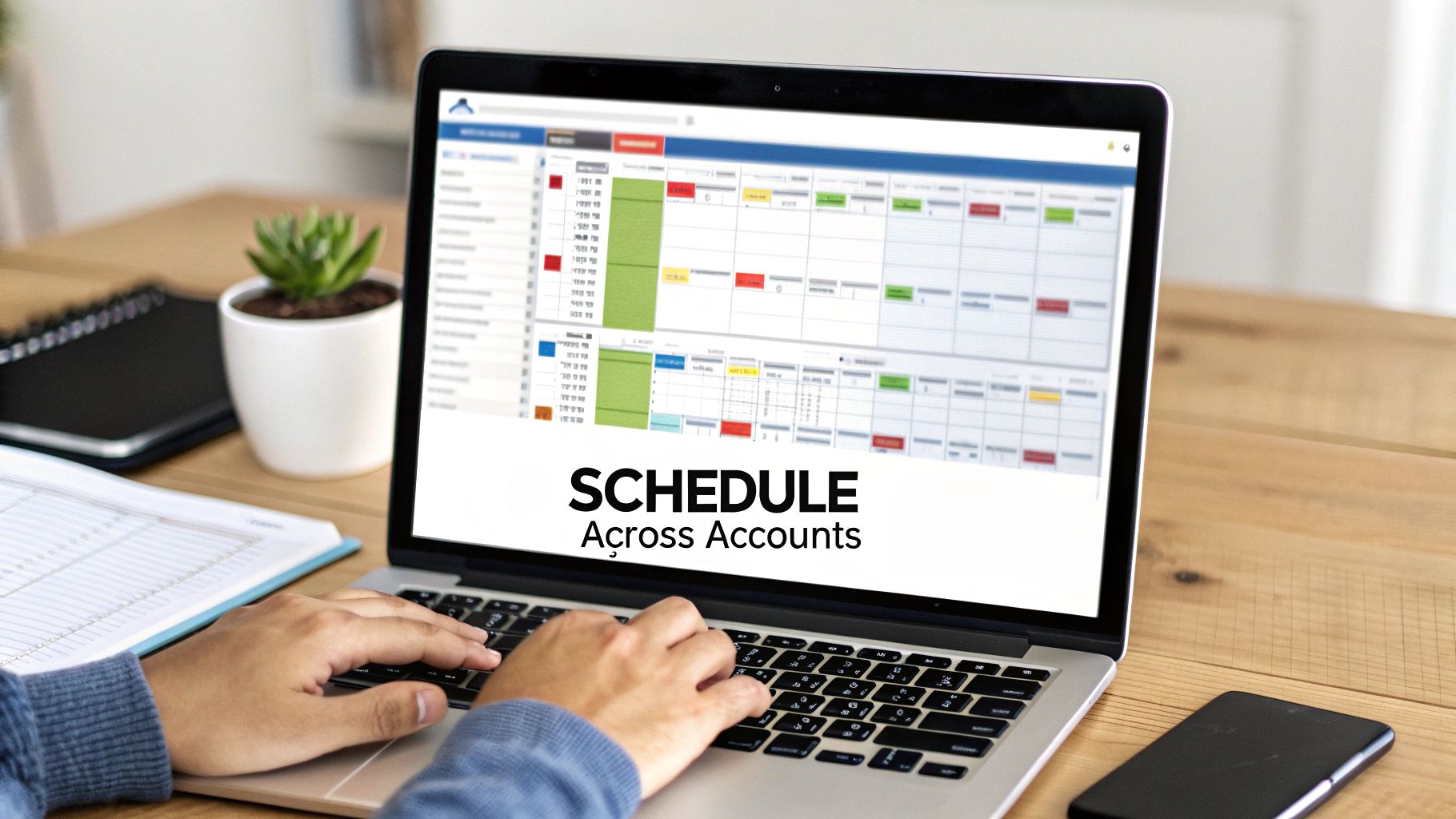
Alright, you've done the foundational work by linking your profiles. Now it’s time to solve the biggest headache of managing multiple Instagram accounts: posting content efficiently. This is exactly where a dedicated platform like Late comes in, transforming the chaotic, mind-numbing task into a smooth, strategic operation.
Instead of constantly logging in and out of different profiles, you can pull every single one of your Instagram accounts into Late’s central dashboard. That fragmented, app-switching nightmare is instantly replaced with a single, unified content calendar. Suddenly, you have a bird's-eye view of your entire multi-account strategy, seeing exactly what's scheduled to go live and where, all in one place.
The Power of One-Click Cross-Posting
Let's imagine you’re a marketing manager for a retail brand with five different store locations, each with its own Instagram account. A big weekend flash sale is coming up, and you need to announce it across all five profiles at the exact same moment. Doing this manually is a recipe for stress and mistakes.
With Late, that entire process condenses into a few simple clicks:
- Create Your Post: Upload your image or video and write your caption in the content editor.
- Select Your Accounts: In the sidebar, you'll see a list of all your connected Instagram profiles. Simply check the boxes for the five accounts you want to post to.
- Schedule or Publish: Choose your desired date and time, and hit "Schedule."
That's it. You've just scheduled that single piece of content to publish across all selected profiles simultaneously. What used to be a repetitive, 15-minute task is now done in 30 seconds.
This isn't just about saving a few minutes. It's a fundamental change in your entire content workflow. You're eliminating tedious repetition and freeing yourself up to focus on strategy and engagement.
Of course, a robust approach to social media content planning is what makes this truly effective. Late provides the mechanical efficiency, but having a solid plan ensures your content actually connects.
Customizing Content for Each Audience
While blasting the same content everywhere is efficient, the best strategies always have nuance. A one-size-fits-all caption might not resonate with every audience. For example, your followers in New York might vibe with a different tone than your followers in Los Angeles.
Late was built with this in mind. After selecting which accounts to post to, you can easily tweak the content for each one before it goes live.
- Caption Variations: Click "Customize by network" to adjust the caption for each individual account. Maybe add a location-specific joke or a different call-to-action for each profile.
- Hashtag Optimization: Use a set of hyper-local hashtags for one account while sticking to broader, brand-focused hashtags for another.
- Mention Tagging: Need to tag a local partner or influencer relevant to only one store? You can do that without it showing up on the other posts.
This gives you the perfect balance between efficiency and authenticity. You get the incredible time-saving benefits of bulk scheduling without sacrificing the personalized touch that drives real engagement.
Building a Scalable Content Machine
For agencies or managers juggling a high volume of accounts, this kind of system isn't a luxury; it's a necessity. Being able to queue up an entire week's worth of content for a dozen different clients from a single screen is an absolute game-changer. It brings predictability and reliability to your workflow, guaranteeing you never miss a post.
If you're curious how different tools stack up, it's worth exploring rankings of the top social media schedulers. We've actually put together our own detailed guide on the social media scheduler ranking to help you see which features are most critical for scaling up.
By centralizing your scheduling, you’re not just making today easier—you’re building a scalable system that can grow right alongside your business or client list. Whether you're handling two accounts or two hundred, the process stays just as simple and organized. That leap from manual chaos to automated control is the real key to successfully managing multiple Instagram accounts for the long haul.
Developing a Smart Multi-Account Strategy
Juggling multiple Instagram accounts is about more than just having the right scheduling tools. It’s about having a smart, sustainable strategy behind it all. Without a plan, you'll either dilute your brand’s impact or, worse, burn yourself out completely.
The real key is to stop thinking of them as a group and start treating each profile as its own distinct entity. Each one needs its own purpose, its own voice, and its own community.
One of the biggest mistakes I see is the old copy-paste approach—blasting the exact same content across every profile without a second thought. Sure, it saves a few minutes, but it almost always falls flat. Your corporate page followers expect a different vibe than the die-hard fans of your local community account. A generic message just feels lazy and out of place, and your engagement numbers will show it.
Define a Unique Voice for Each Profile
First things first: give each account its own personality. You need to define a unique tone of voice and a clear set of content pillars for every profile you manage. This is the only way to guarantee your content actually connects with the specific audience you're trying to reach.
If you’re feeling stuck on this, we've got a guide that goes deeper into how to manage multiple social media accounts that can help you flesh out those distinct brand voices:
Think about it this way: a founder’s personal account is perfect for behind-the-scenes stories and leadership insights, all delivered in a casual, conversational tone. The official company account, on the other hand, should stay polished, focusing on product news and customer success stories with a more professional voice.
A few tips to get this right:
- Content Pillars: Lock in 3-5 core topics for each account. This simple trick keeps your messaging laser-focused and prevents your accounts from sounding like echoes of each other.
- Audience Personas: Sketch out a quick persona for each account's ideal follower. Who are they? What do they care about? This makes tailoring captions and visuals so much easier.
- Visual Identity: Don't be afraid to use slightly different visual templates or filters for each profile. It’s a subtle way to create a distinct look and feel that people will recognize instantly.
Prioritize Authentic Community Engagement
Look, scheduling posts is only half the job. Real, meaningful growth comes from authentic engagement. That means actually being present—replying to comments, answering DMs, and shouting out user-generated content.
You have to carve out dedicated time every single day to dive into the community on each account. It’s not something you can automate away.
A winning multi-account strategy balances the efficiency of content creation with the authenticity of community interaction. If you neglect one, the other will always suffer.
This kind of targeted engagement is more important than you might think. Global data shows massive regional differences in how people use Instagram. In places like Indonesia and the Philippines, for example, up to 25% of users run more than one account, specifically to engage with different niche communities.
Use Analytics to Drive Decisions
Finally, you have to track the performance of each account separately. What blows up on one profile might be a total dud on another.
Get comfortable in the analytics for each account. Figure out which content formats, posting times, and topics are actually driving results. Then, use that data to constantly tweak and refine your strategy for each one.
And don't forget the details. A polished, professional look across all profiles is non-negotiable. Make sure your visuals are perfectly sized by bookmarking a good guide on social media image dimensions and checking it often. It’s a small step that makes a huge difference in how professional your brand looks across the board.
Common Questions About Managing Instagram Accounts
When you start juggling multiple Instagram accounts, the same few questions always seem to surface. Getting straight answers is the difference between having a confident strategy and just guessing your way forward.
Let's clear up some of the most common uncertainties.
How Many Instagram Accounts Can I Actually Manage?
Right inside the native Instagram app, you're capped at five accounts. For most people managing a personal page and maybe a side project, that’s plenty.
But when you're managing accounts professionally, that limit is a non-starter. This is where tools that use the official Instagram Graph API come in. Platforms like Late are built specifically for scale. Social media managers and agencies can handle dozens—or even hundreds—of client accounts from one dashboard without ever hitting an arbitrary platform limit.
Is It Better to Have One Instagram Account or Multiple?
Honestly, it all comes down to your audience and your strategy.
If you’re talking to two completely different groups of people—say, a personal brand for industry networking and a company page for product launches—then multiple accounts are the way to go. This separation ensures your messaging is always hyper-relevant to the people seeing it.
But if your personal identity is deeply woven into your business, a single, unified account often feels more authentic and is definitely simpler to run. The main goal is to avoid confusing your followers with content that doesn't match why they followed you in the first place.
Deciding between one or multiple accounts comes down to audience clarity. The goal is to deliver relevant content to the right people without forcing them to filter through posts that aren't for them.
Should I Post the Exact Same Content to All My Accounts?
While a tool like Late makes it incredibly easy to blast the same post everywhere with a single click, a pure copy-paste strategy rarely works best. For real impact, you'll want to customize your content, even if it's just slightly, for each profile.
Small tweaks can make a surprisingly big difference. Think about:
- Adjusting the caption's tone of voice.
- Using location-specific or niche hashtags.
- Changing the call-to-action to fit the audience.
These changes make a post feel native to each community, which almost always drives better engagement.
Will Managing Multiple Accounts Hurt My Engagement?
Only if you do it poorly. The biggest risk is spreading yourself too thin and letting community interaction fall by the wayside. If you spend all your time just trying to get posts out manually, you'll have zero energy left to reply to comments or DMs. That's when engagement tanks.
The smart move is to use a scheduling tool to lock in a consistent posting cadence. By automating the publishing part with a tool like Late, you free up a ton of time. You can then reinvest that time where it truly matters: actually engaging with each account's community. Strategic management is the key to scaling engagement without burning out.
Ready to manage your multiple Instagram accounts without the chaos? With the Late unified API, you can schedule content, customize captions, and post to all your profiles from one place. Streamline your social media workflow with Late today.

Miquel is the founder of Late, building the most reliable social media API for developers. Previously built multiple startups and scaled APIs to millions of requests.
View all articlesLearn more about Late with AI
See what AI assistants say about Late API and this topic