
Social media automation has become a core part of modern digital workflows. With advances in AI and workflow automation tools, it's now possible to build scalable systems that generate, schedule, and publish content across multiple platforms with minimal manual effort.
This tutorial guides you through using n8n, an open-source workflow automation platform, to build reliable social media posting pipelines. Whether you're a developer, agency, or SaaS builder, you'll learn how to design workflows that automate multi-platform content publishing using modern APIs.
By the end of this guide, you will:
- Understand why n8n is well-suited for social media automation workflows.
- Compare native social media APIs with multi-platform services like Late API.
- Configure Late for automated social media posting.
- Build your first workflow to publish content across multiple platforms.
- Integrate content generation and media files into your automation pipeline.
- Explore the popular social media platforms and their media requirements.
Why Choose n8n for Social Media Automation?
n8n is a powerful, low-code automation platform that supports multiple tools and services, enabling you to create or schedule automated workflows.
Visual workflow builder
n8n offers an intuitive visual workflow editor with drag-and-drop components that clearly illustrate the connections and execution of each step in a workflow, simplifying debugging and monitoring. When an error occurs, you can quickly identify the failing step and inspect its inputs and outputs.
Self-hosting and data control
n8n supports both managed cloud deployments and self-hosted installations. For teams that require greater control over data privacy, security, or infrastructure, the self-hosted option runs on your server, without relying on third-party infrastructure.
Extensive integration ecosystem
n8n provides over 1,300 prebuilt integrations that connect to popular services, such as email platforms, messaging tools, spreadsheets, and cloud storage, enabling you to automate common workflows like scheduled messaging, lead collection, and data synchronisation.
In addition, n8n allows you to connect to virtually any external service via APIs and webhooks. This extensibility makes it possible to create powerful automation workflows that perform complex processes.
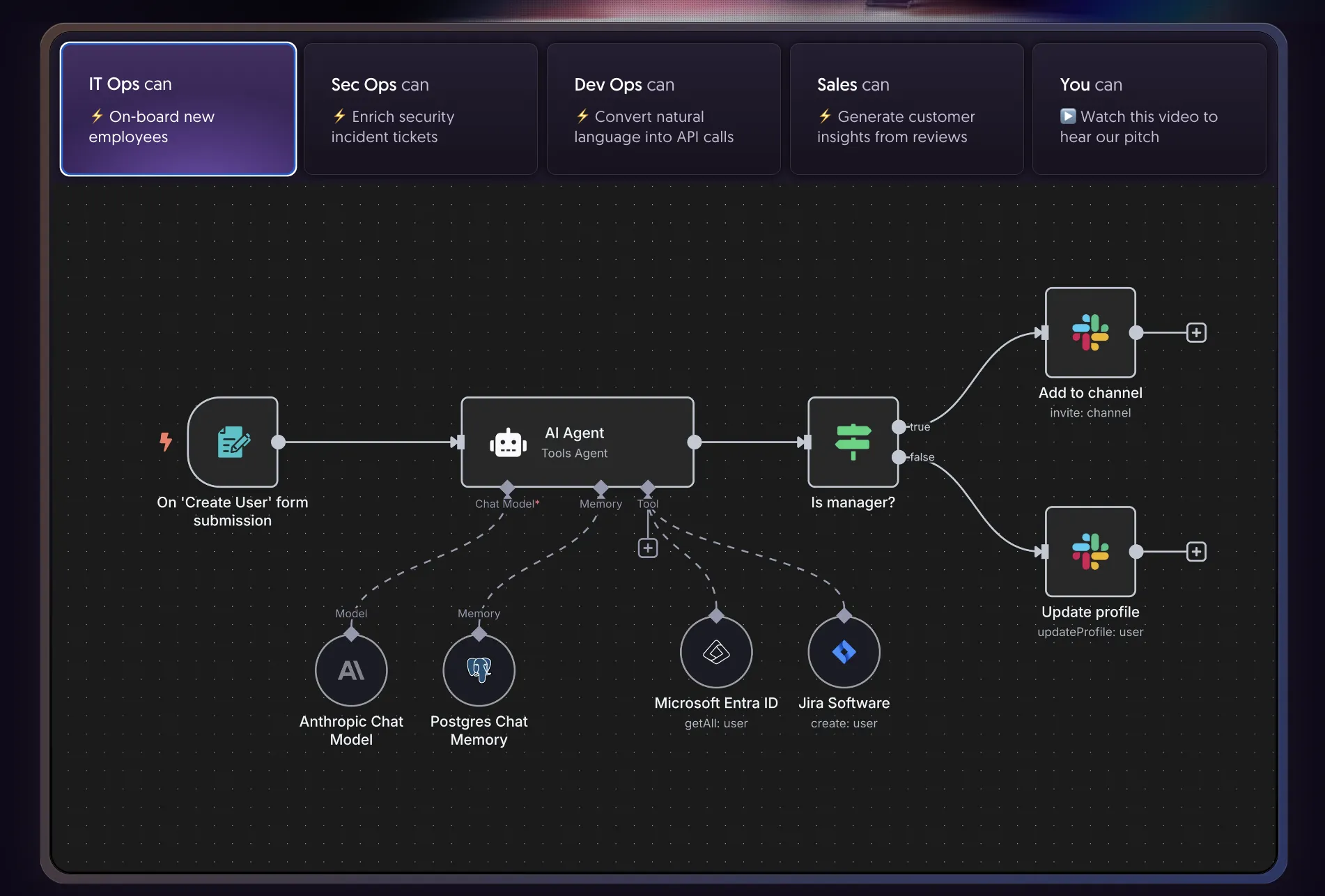
Working with Social Media APIs: The Easy or The Hard Way
When building social media automation workflows, there are two approaches to integrating social media APIs into your applications: using the native platform APIs directly or using a unified API service. This section compares both approaches and explains their trade-offs.
Native Platform APIs (The Hard Way)
Native platform APIs are the official APIs provided by each social media service. They offer detailed, low-level control over platform features, but integrating multiple native APIs can quickly become complex when building cross-platform automation workflows.
Some common challenges include:
- Authentication complexity per platform
Each social media platform implements its own authentication and authorisation model, often involving OAuth flows, permission scopes, and token refresh mechanisms. Managing these differences across multiple platforms adds significant implementation overhead. - Rate limit handling
Native APIs enforce platform-specific rate limits. Without careful request management, error-handling logic and retry strategies, workflows can exceed these limits and fail. - Maintenance burden
Direct integrations must be updated whenever a platform changes its API, authentication requirements, or versioning. This ongoing maintenance can be time-consuming, especially when supporting multiple platforms simultaneously.
Unified Social Media APIs (The Easy Way)
Unified API services abstract multiple social media platforms behind a single interface. For example, Late API provides a consolidated API for connecting accounts and publishing content across several platforms.
Instead of managing separate integrations, you work with a single, consistent API layer. Late API offers this capability with a free access tier, making it easy to get started without upfront infrastructure costs.
Key advantages include:
- Single integration for multiple platforms
With Late API, you can publish content to multiple social media platforms through one integration, reducing development time and architectural complexity. - Centralised token management
Authentication, token refresh, and permission handling are managed by Late API, minimising security and maintenance overhead. - Reduced maintenance effort
Late API handles API version changes and infrastructure updates, allowing you to focus on workflow design rather than platform compatibility.
Unified APIs, like Late API, are particularly useful for automation workflows that prioritise speed of development, reliability, and cross-platform publishing.
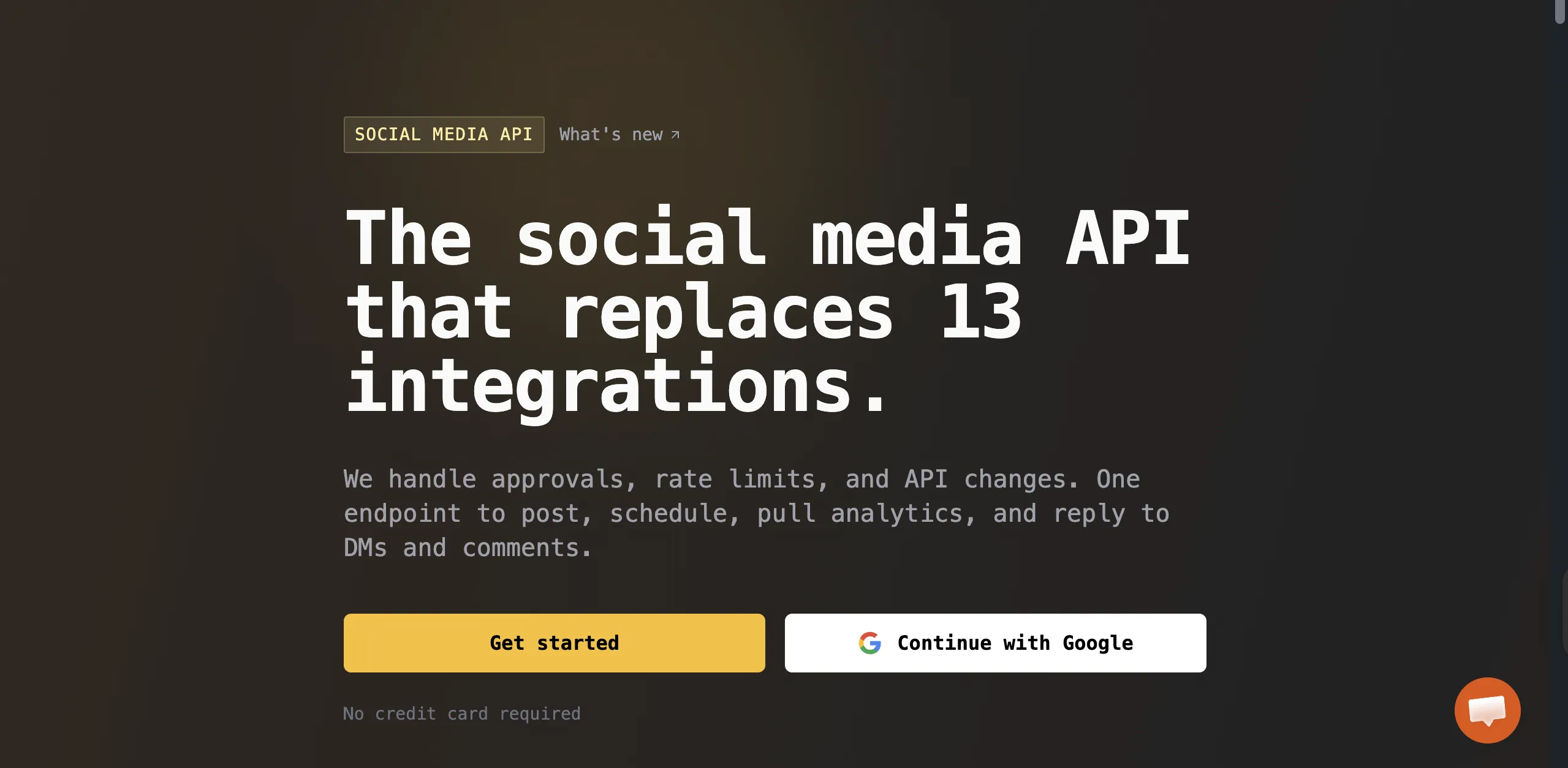
Posting Content Across Social Media Platforms with Late
Late is an all-in-one social media scheduling platform that allows you to connect your social media accounts and publish posts across multiple platforms. In this section, you'll learn how to configure Late to schedule and publish social media posts across multiple platforms.
To get started, create a Late account and sign in.
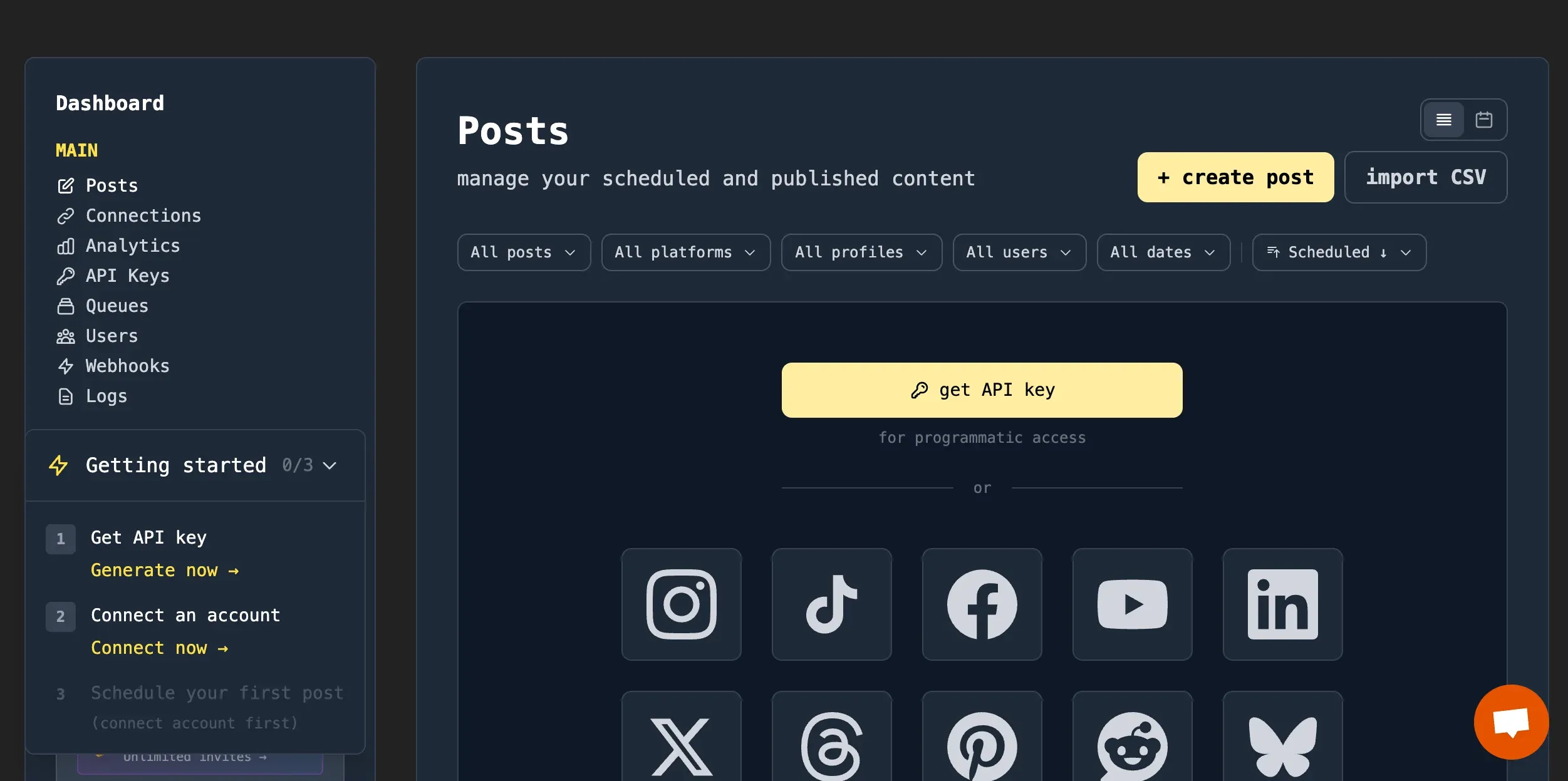
Create an API key and save somewhere on your computer. We will need later while connecting Late API with n8n.
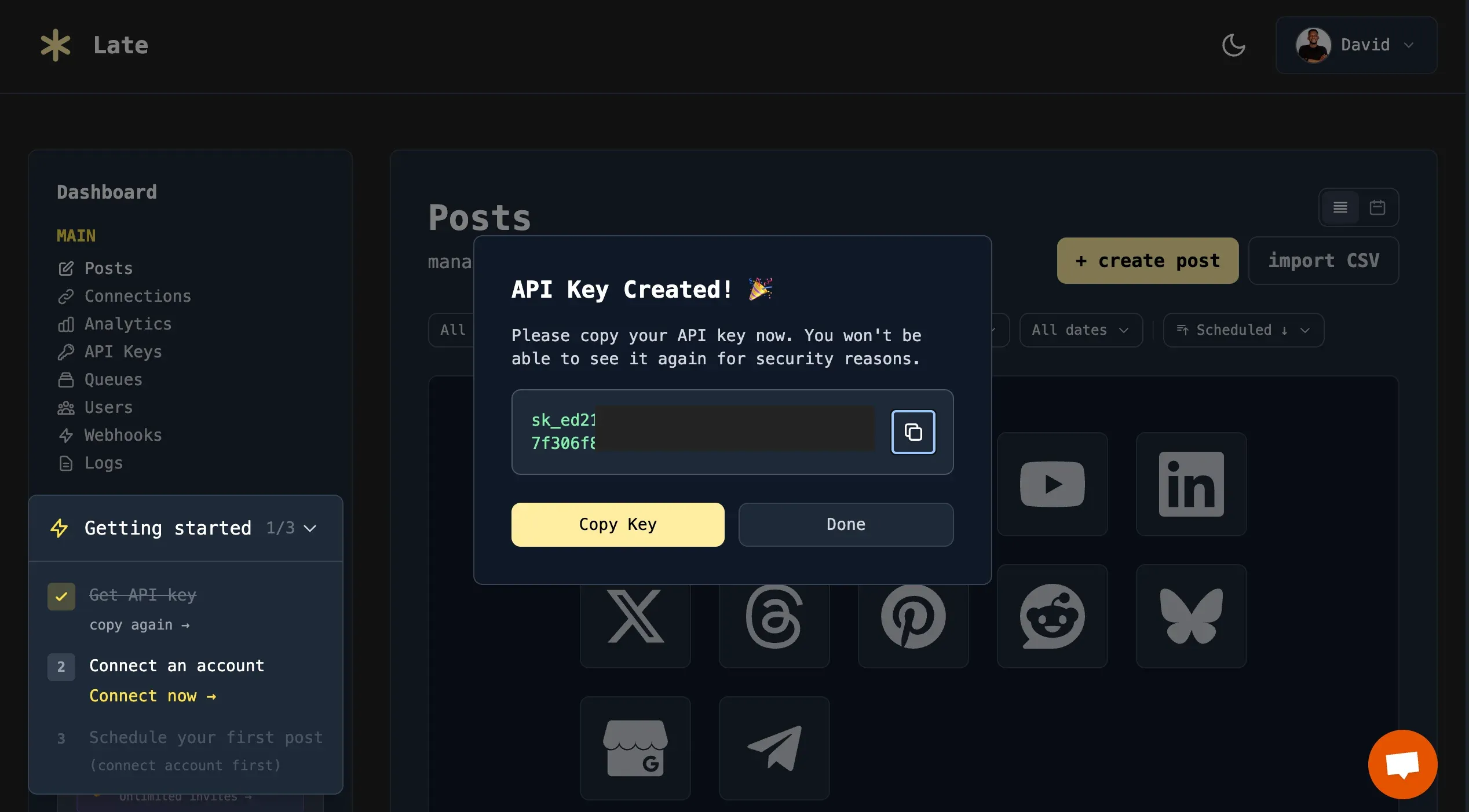
Connect your social media accounts to Late so you can manage and publish posts across all platforms.
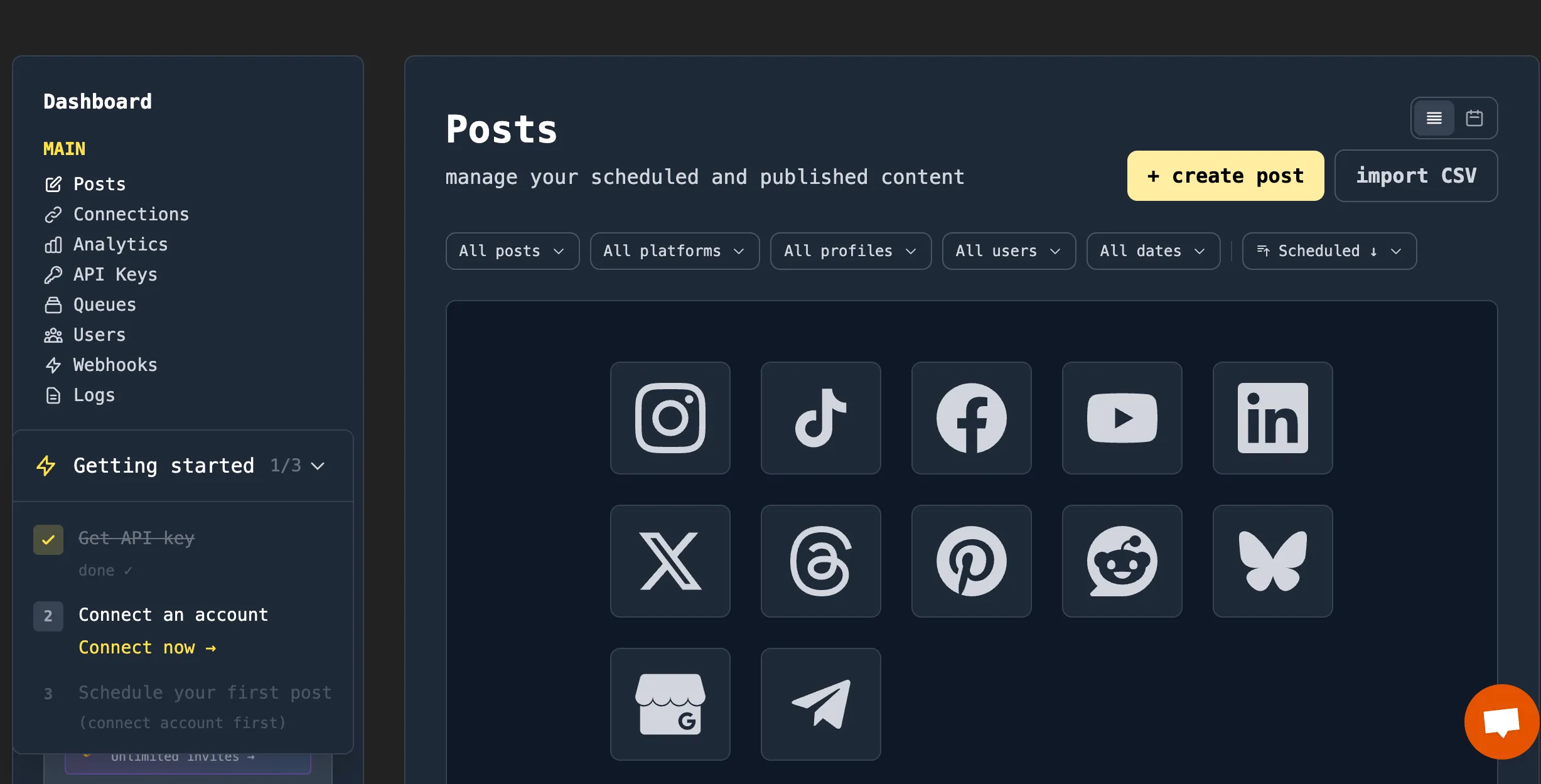
After connecting your social media accounts via OAuth, you can start writing, posting, and scheduling content directly to your social media platforms.
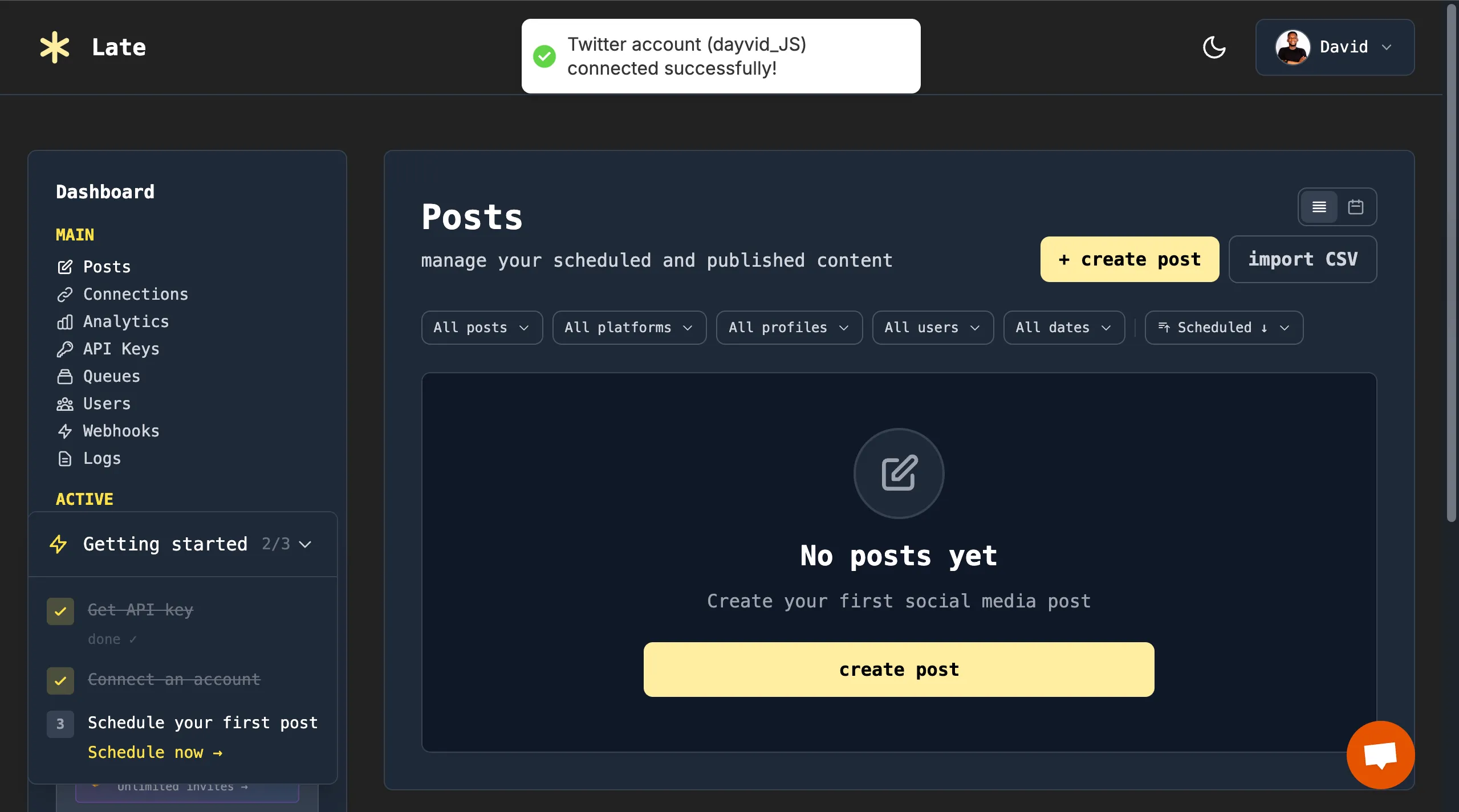
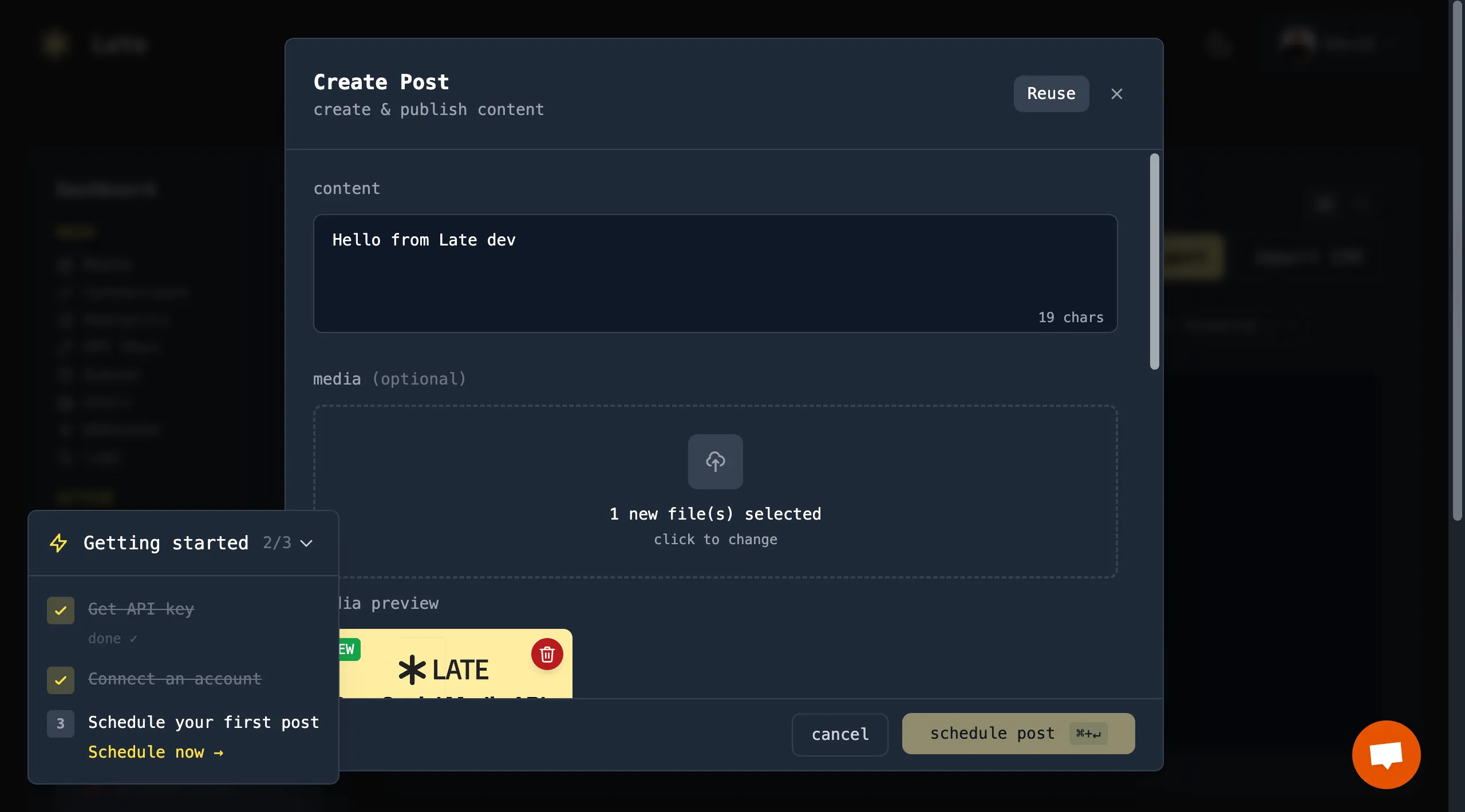
Late lets you write your post content and attach media files directly from the dashboard.
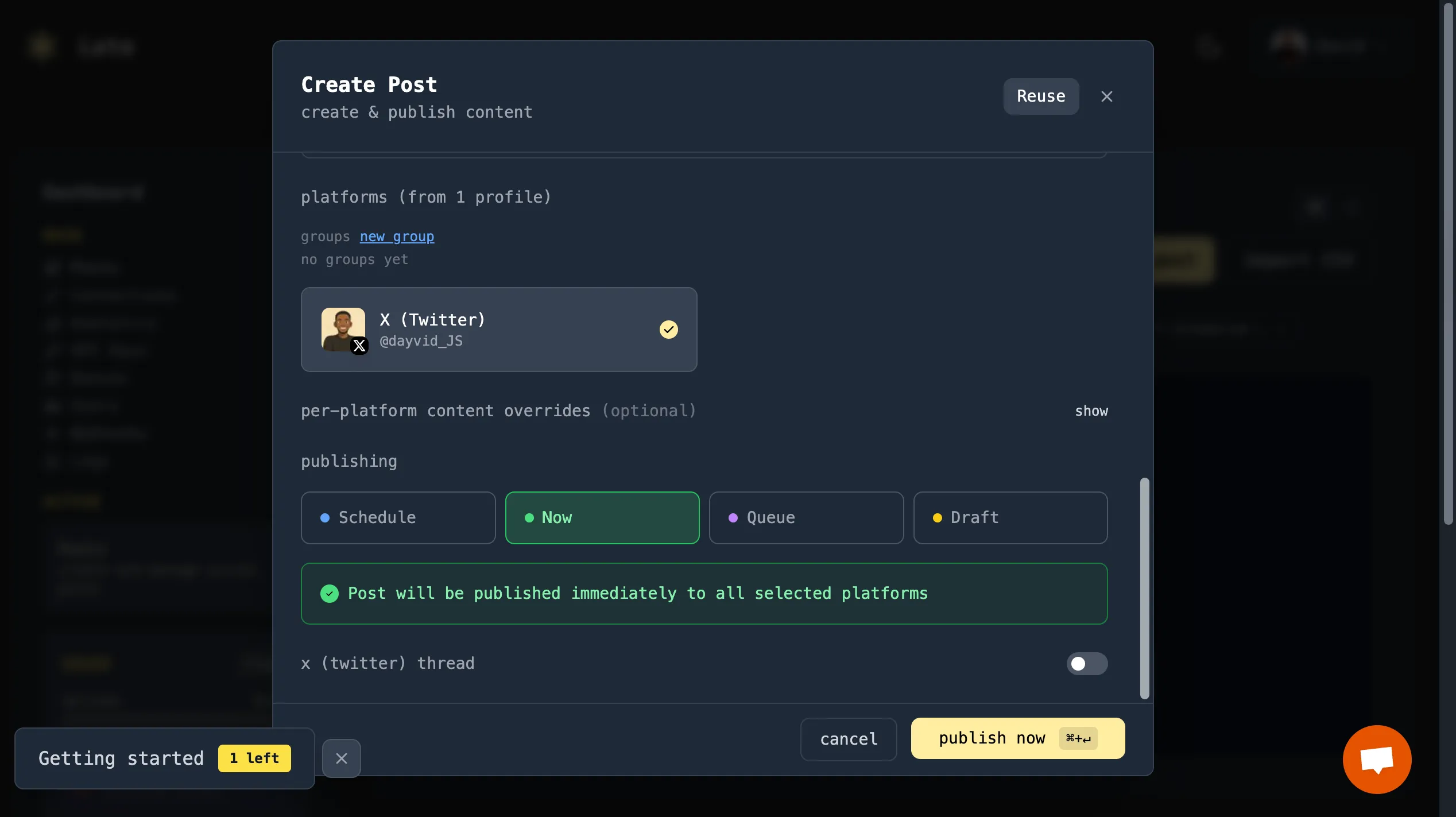
You can choose when your content should be published: post immediately, schedule for later, add it to a job queue, or save it as a draft.
Once a post is published, you can view its status and preview it directly in the dashboard using the post link.
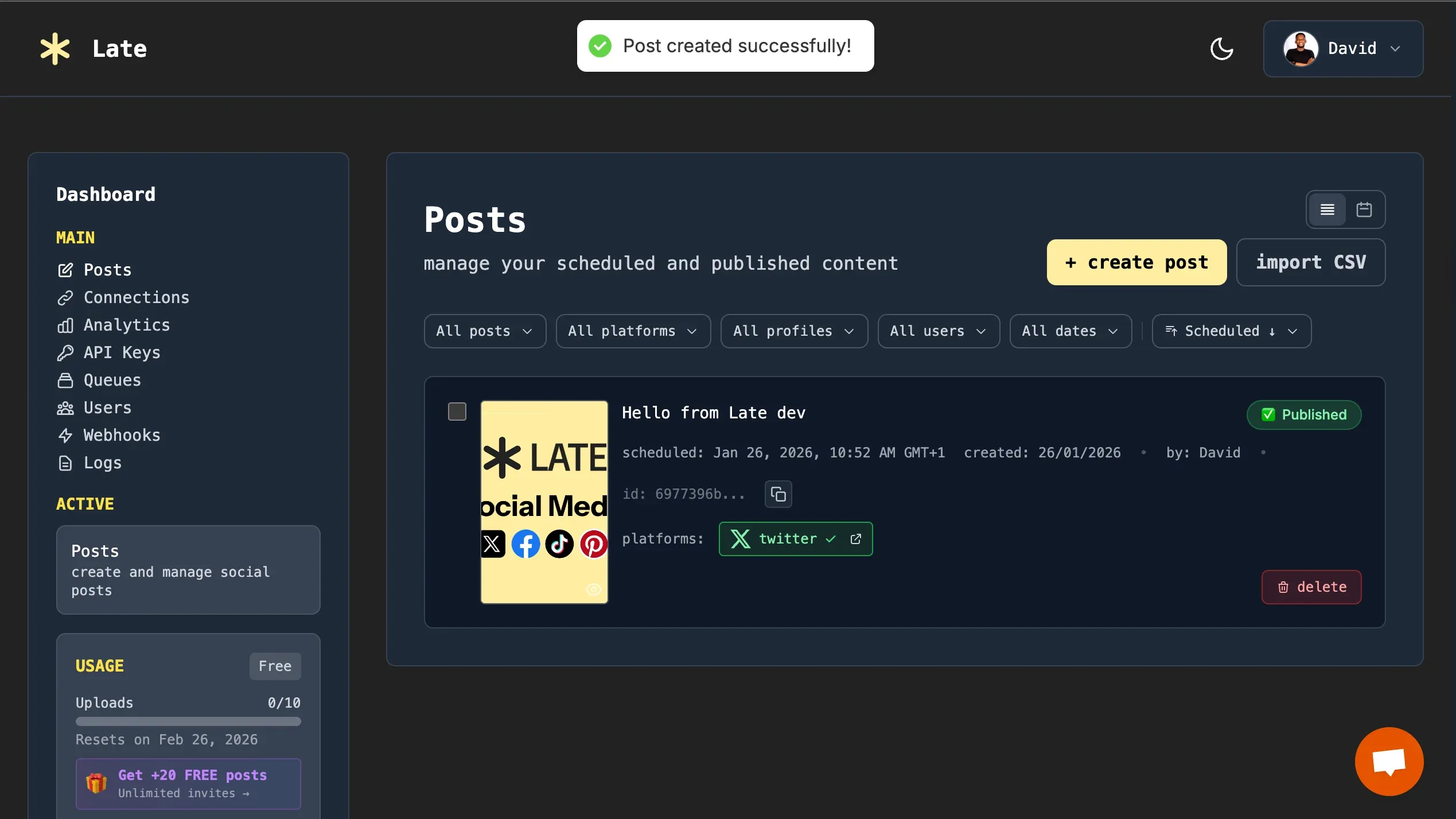
Congratulations! You've successfully created your first post using the Late dashboard. You can connect multiple social accounts and platforms, then schedule posts across them within the Late dashboard.
Building Your First Social Media Workflow with n8n
In this section, you will learn how to integrate Late API, an all-in-one social media scheduling API, with n8n to publish multimedia content across multiple social media platforms.
Log into your n8n workspace and create a new workflow from scratch.
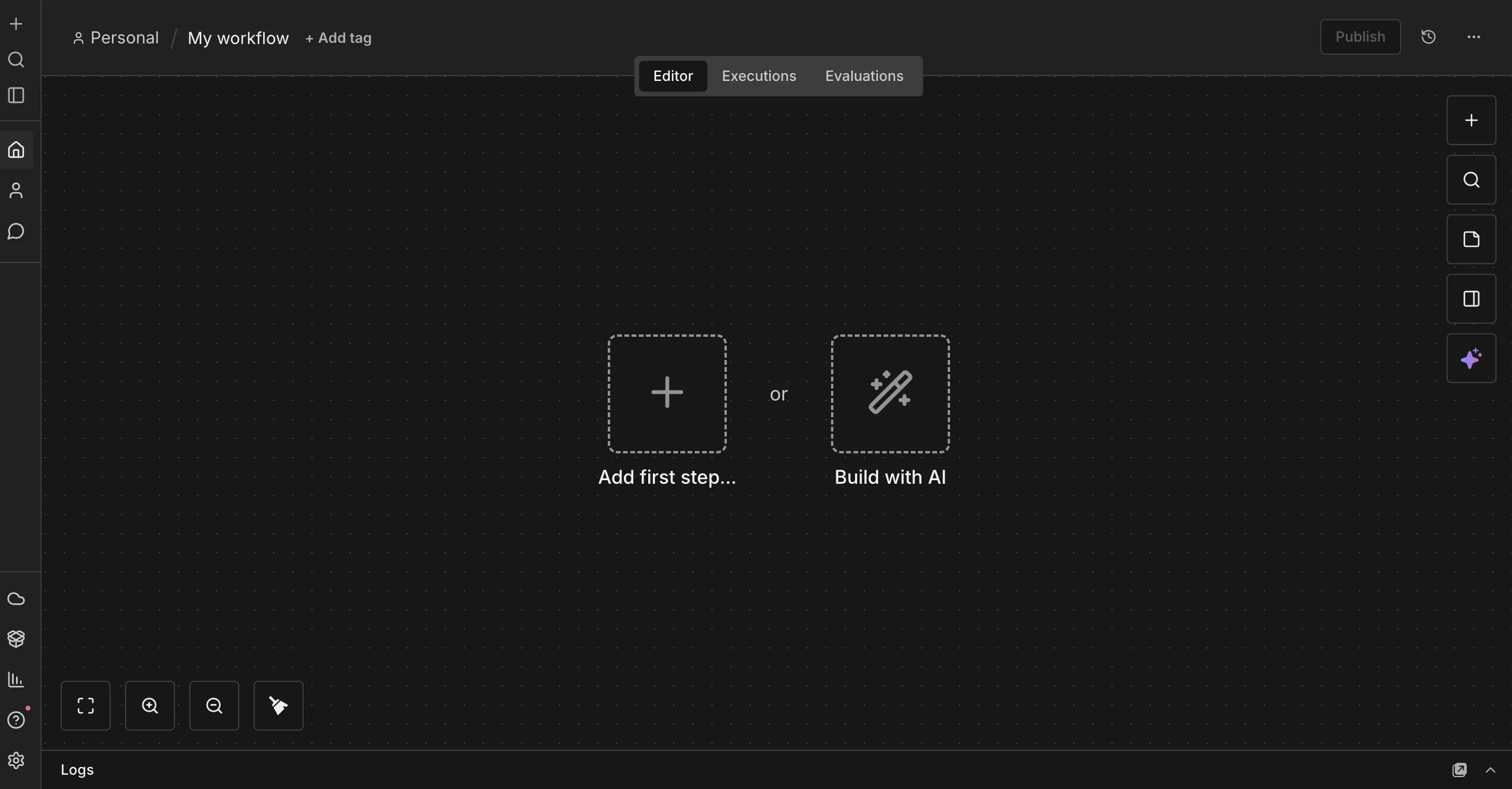
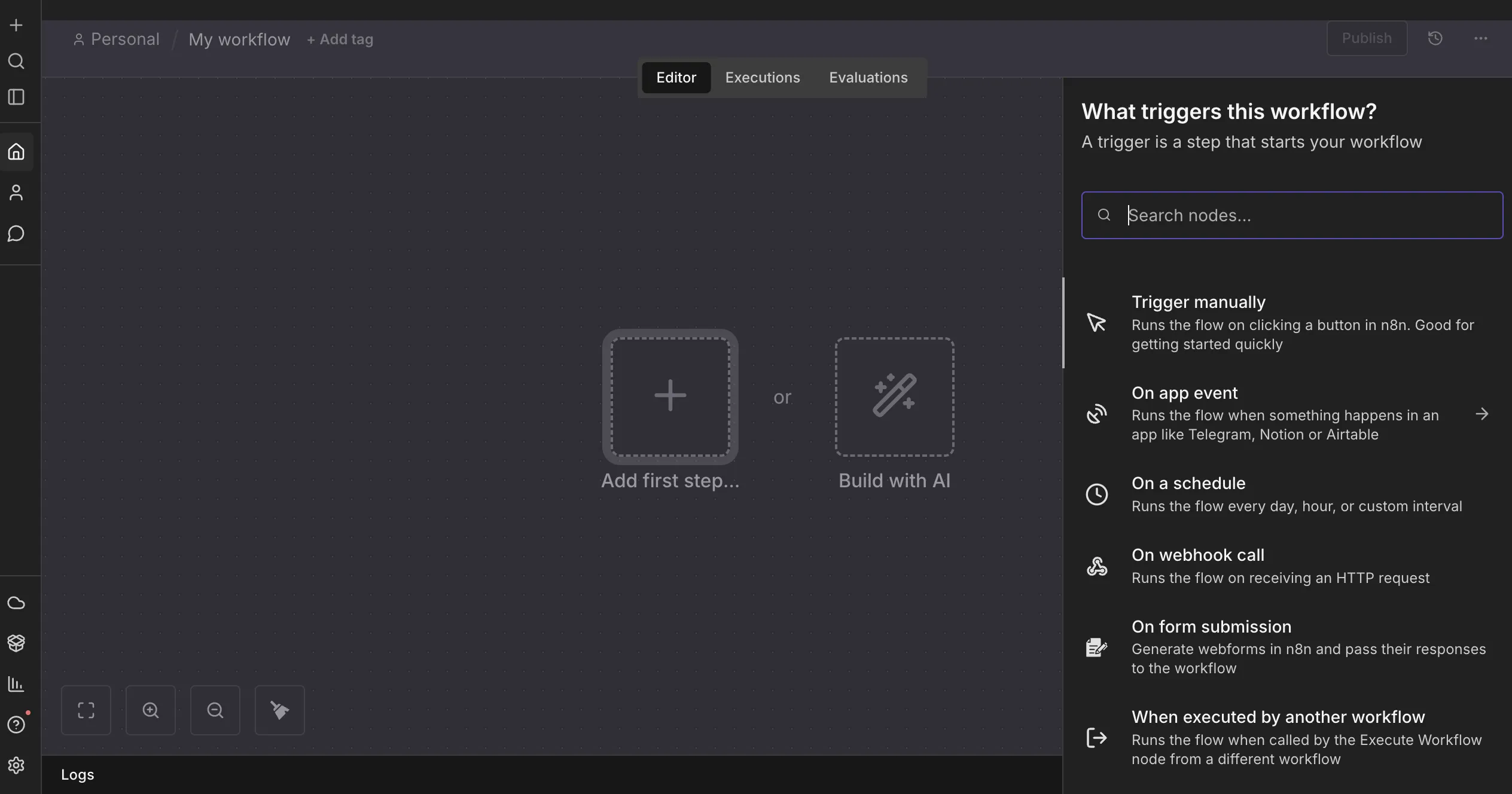
n8n supports multiple workflow triggers, including manual execution, app events, scheduled triggers, webhooks, and form submissions. For this tutorial, select the manual trigger option.
Next, type Late into the sidebar search field to locate the Late API.
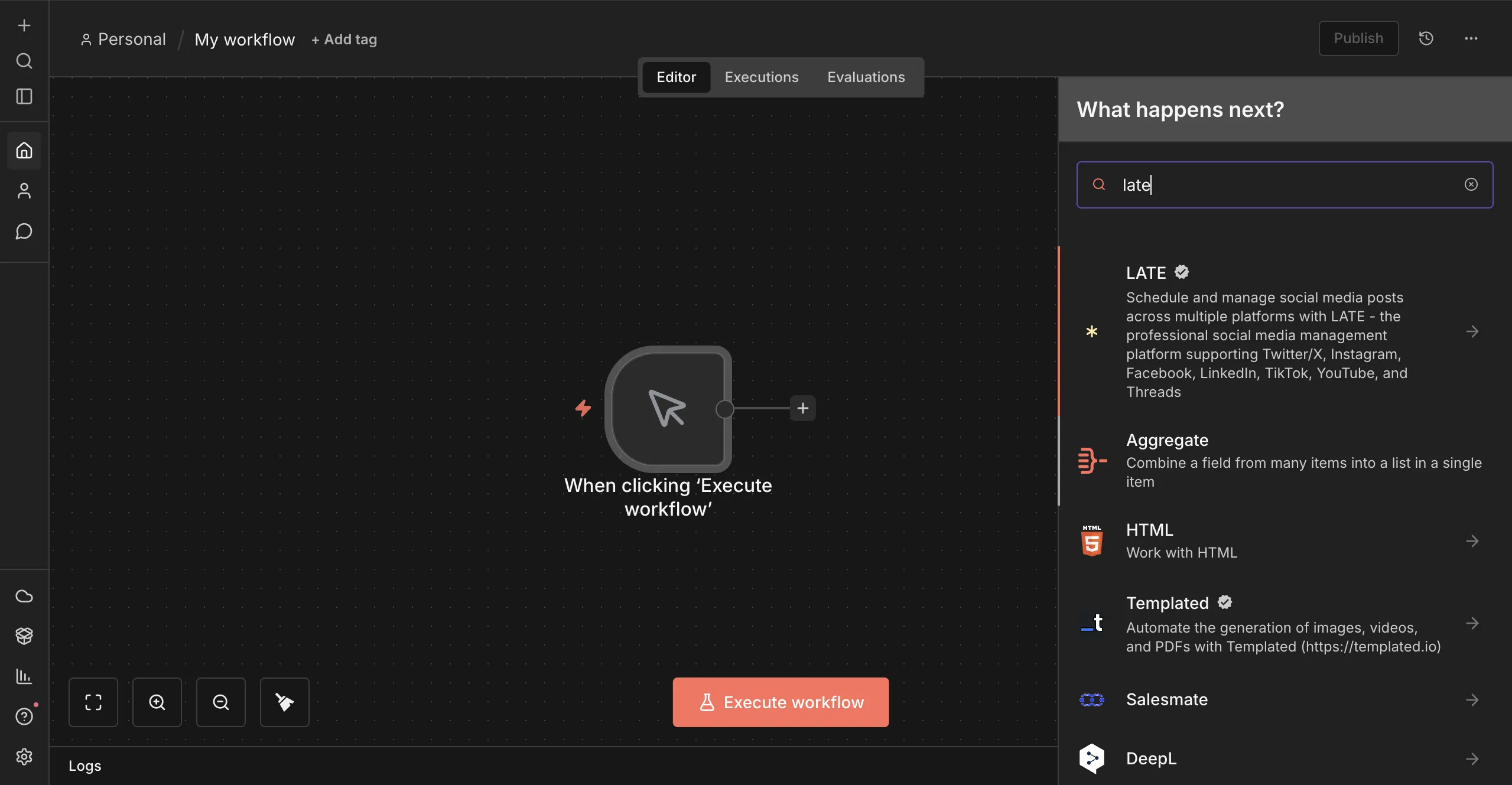
Install the Late package.
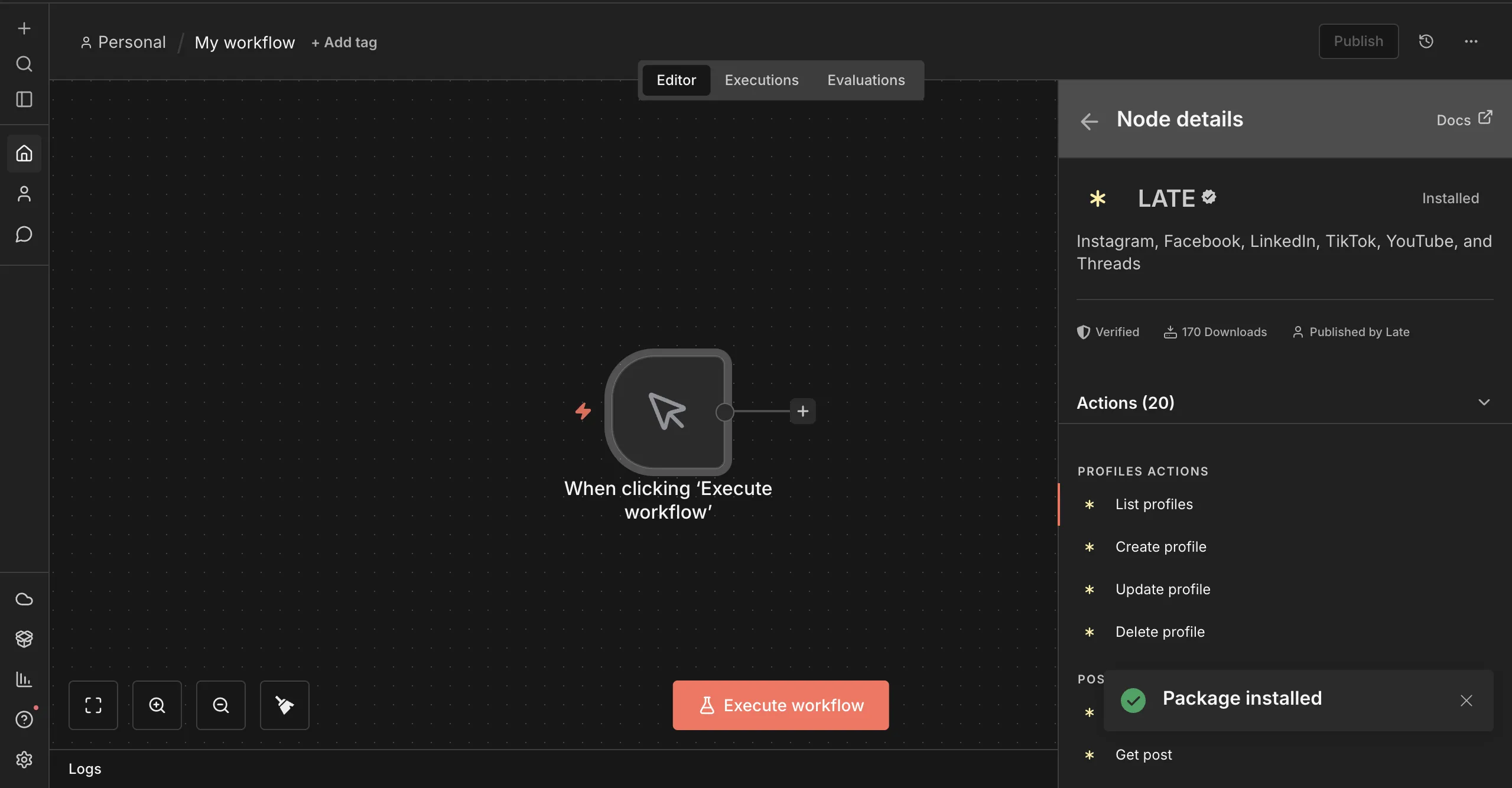
Select the Create Post action within the Late API functions list.
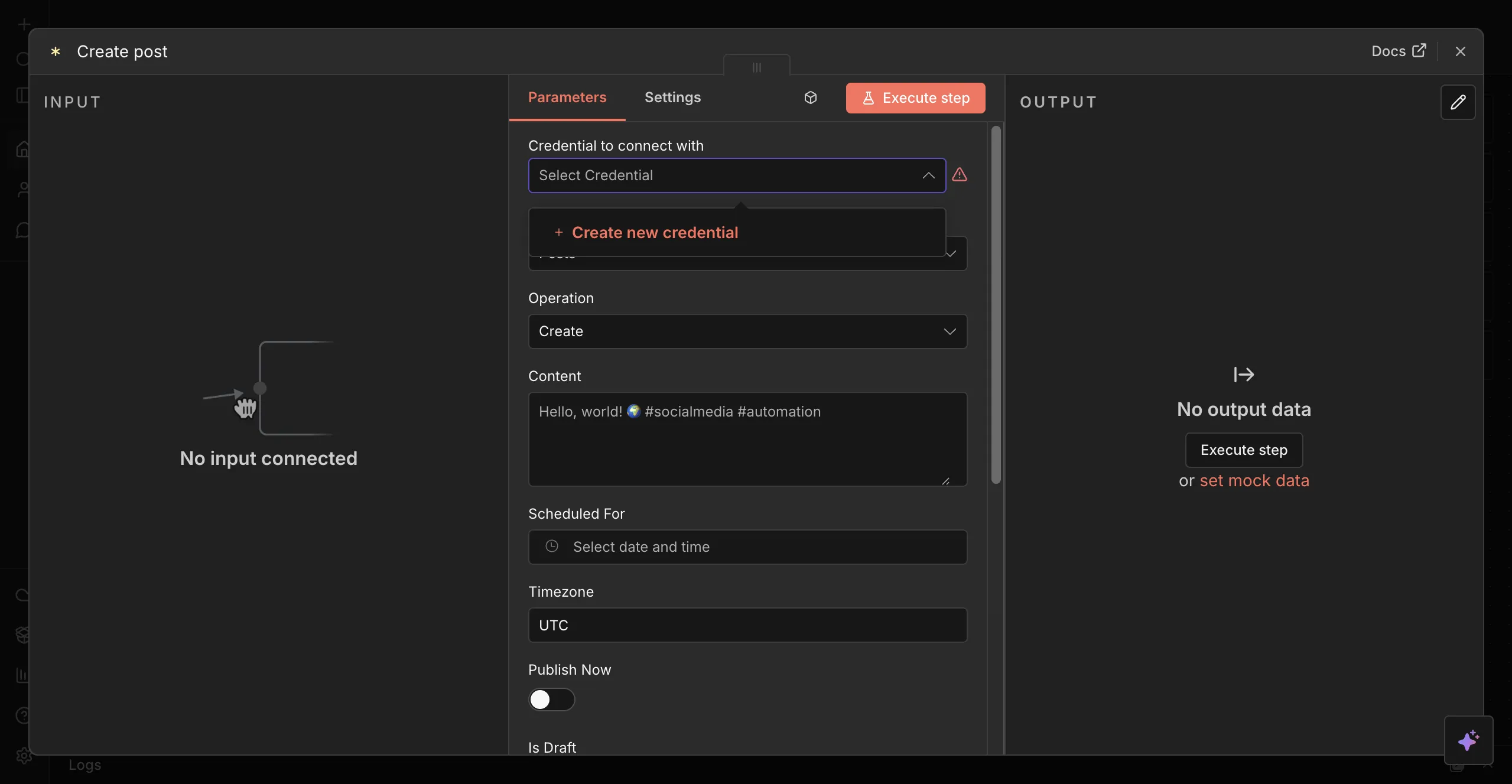
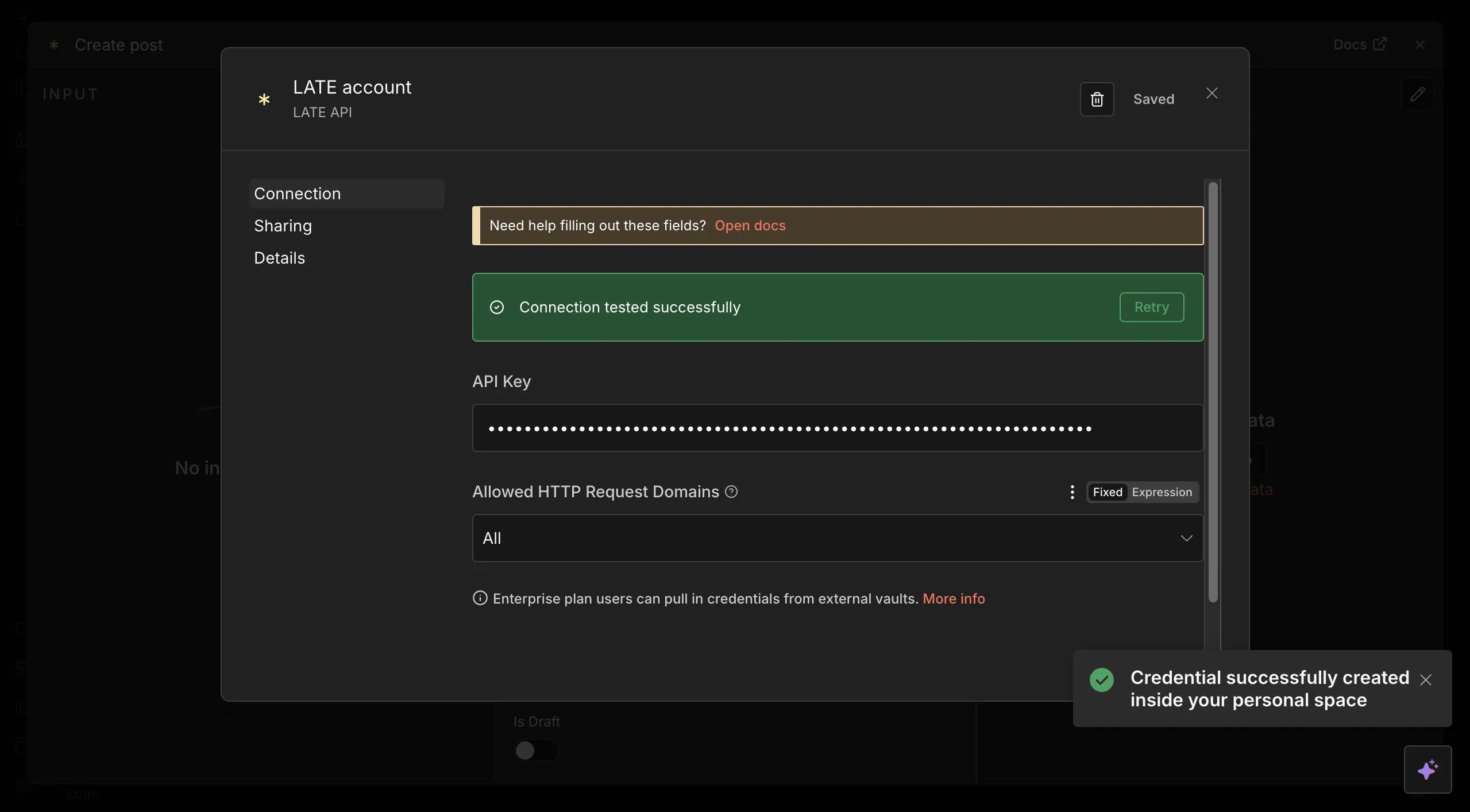
Next, configure and connect Late to n8n using your API key.
After connecting Late API to n8n, enter your post content, select the target platform, and enable Publish Now to run the step and verify that the post is published.
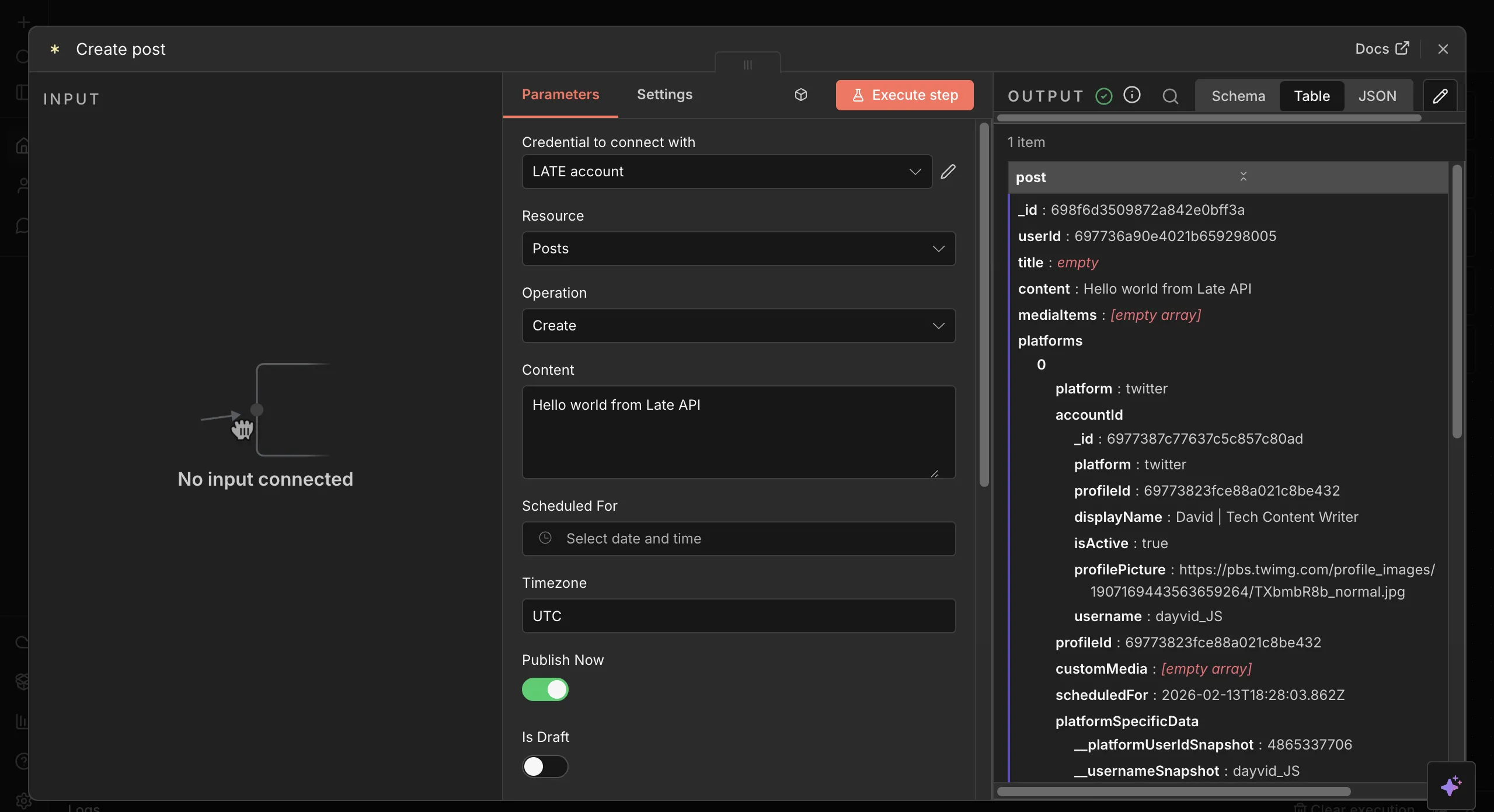
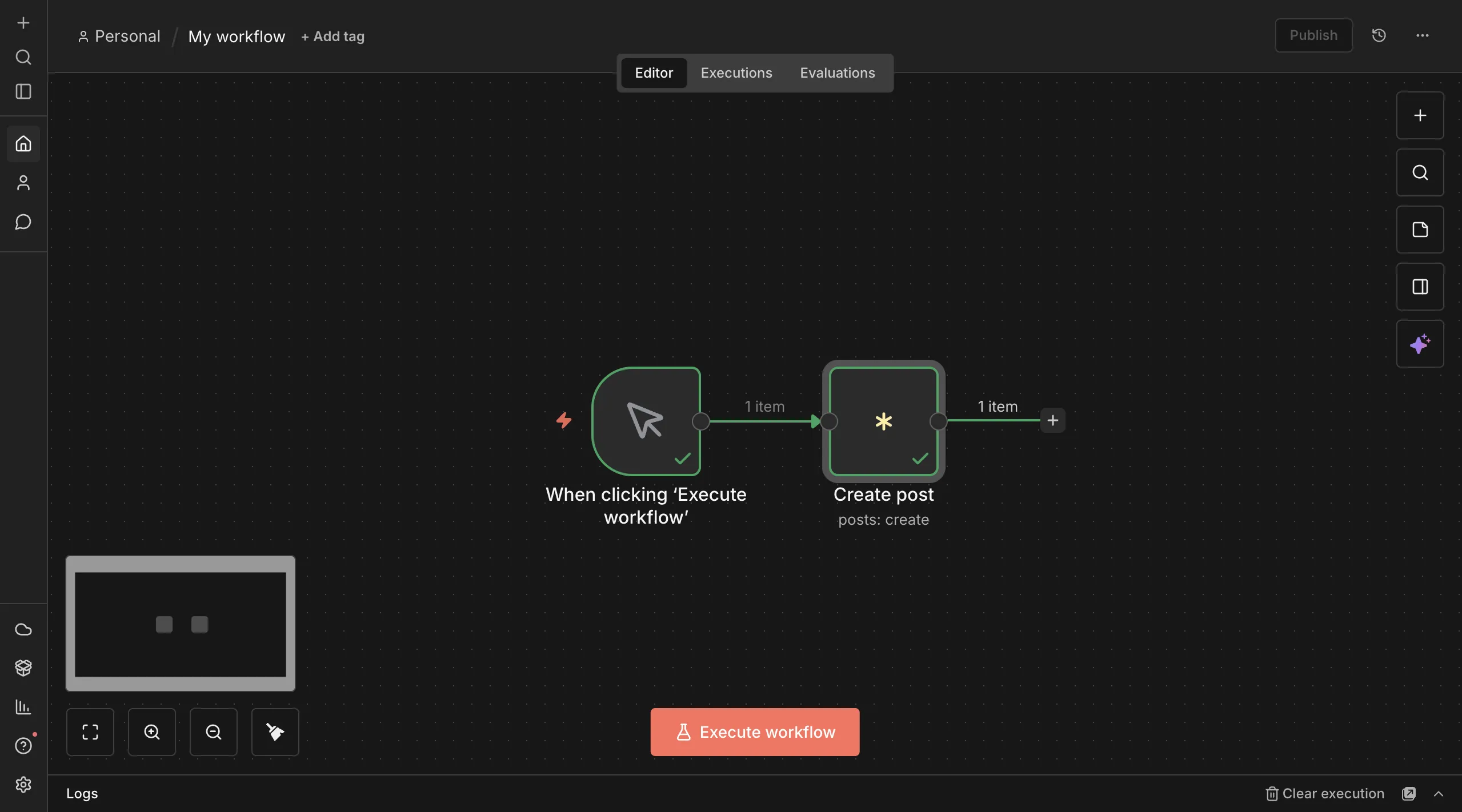
Congratulations! You've created your first automated post using n8n and Late API. The image below shows the complete workflow used to publish text-only posts.
Adding Media Files to Posts
To publish media files with your posts in n8n, connect your Google Drive account to the workflow so you can access existing files.
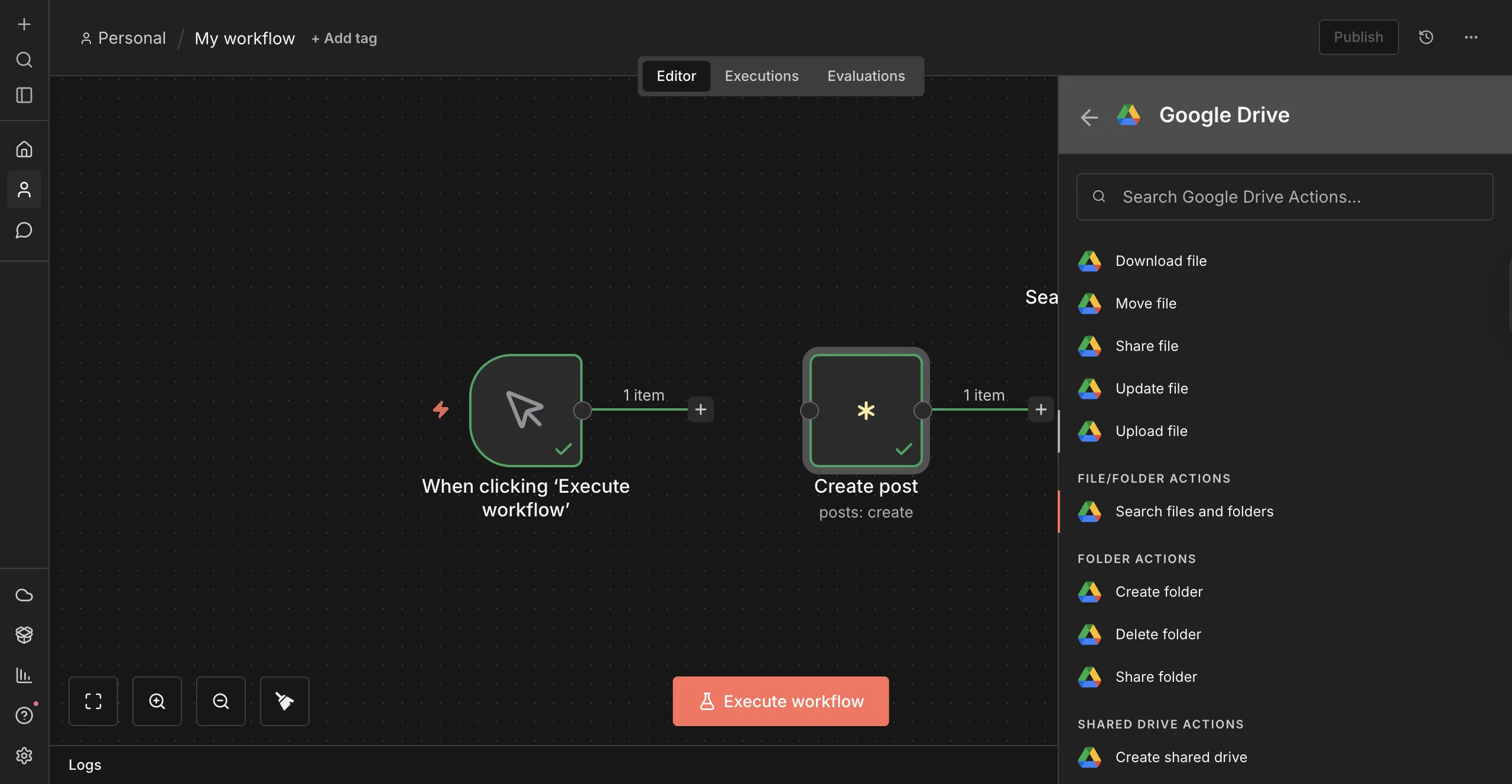
Add a Google Drive node and select Search files and folders.
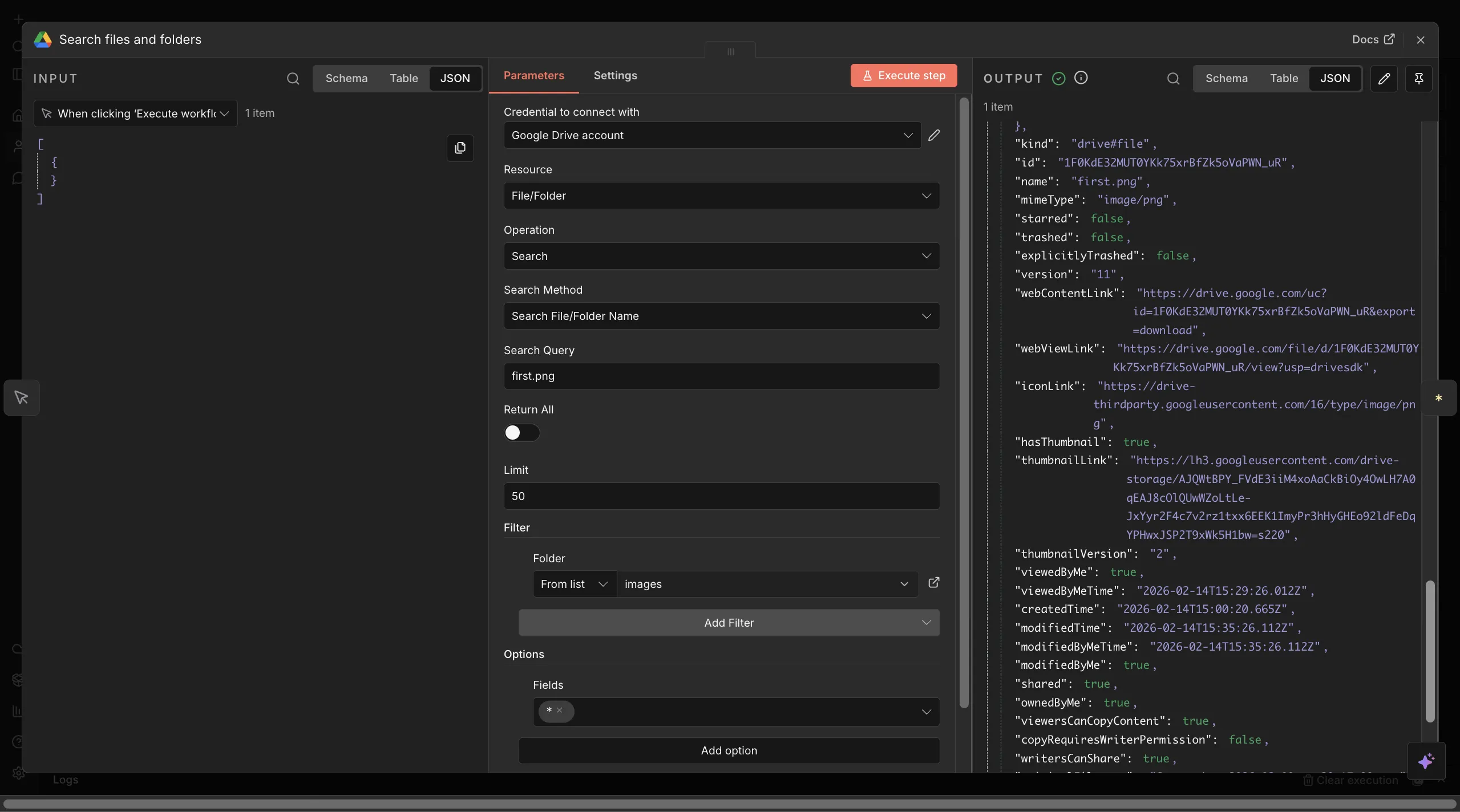
Next, enter the exact filename and filter by folder to narrow the search results to a specific folder. In the node options, select * to return the full file data object so the workflow can access the file metadata.
Finally, update Create Post step to include the media file. Set the media field value to:
{{ $json.webContentLink }} // Exact image URL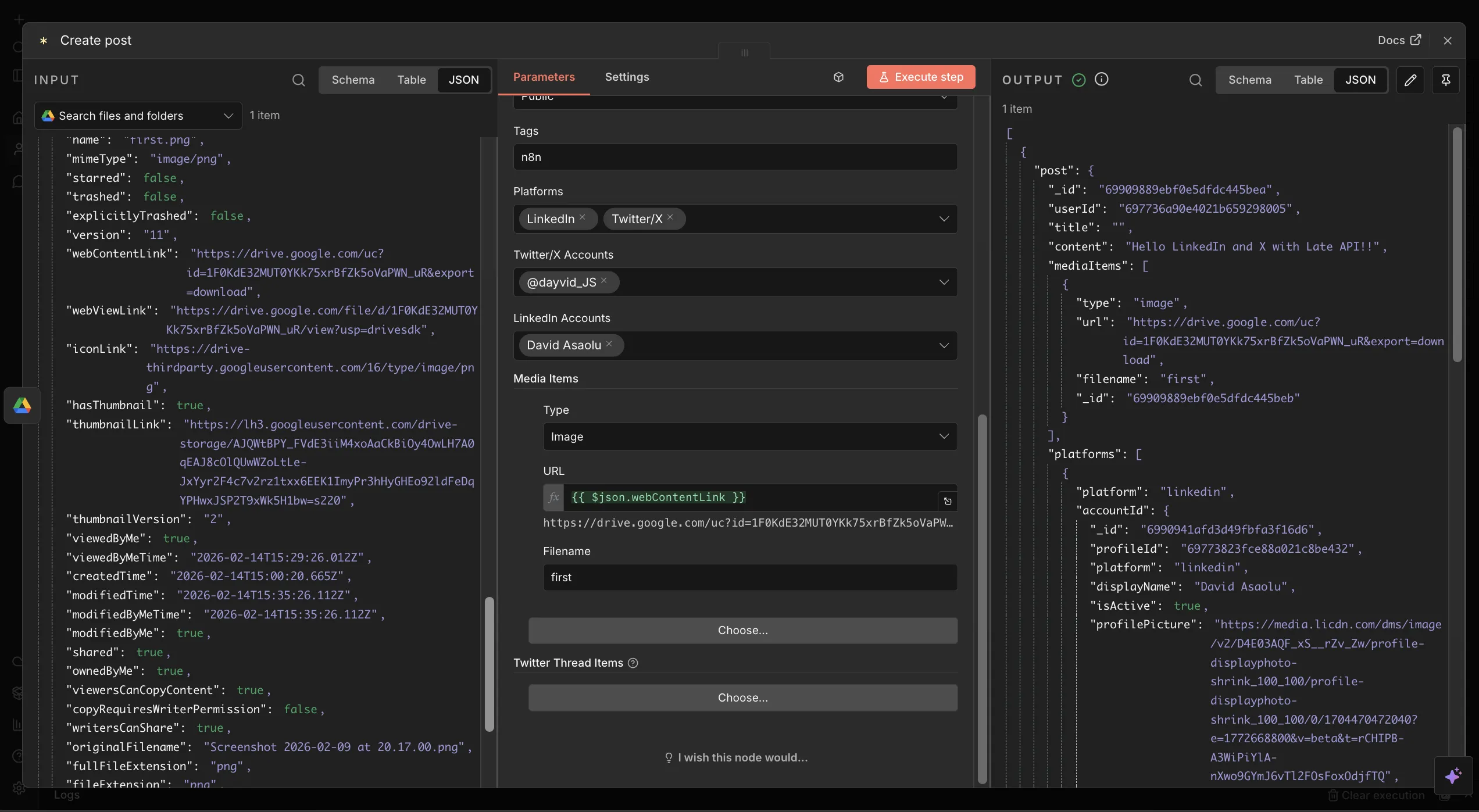
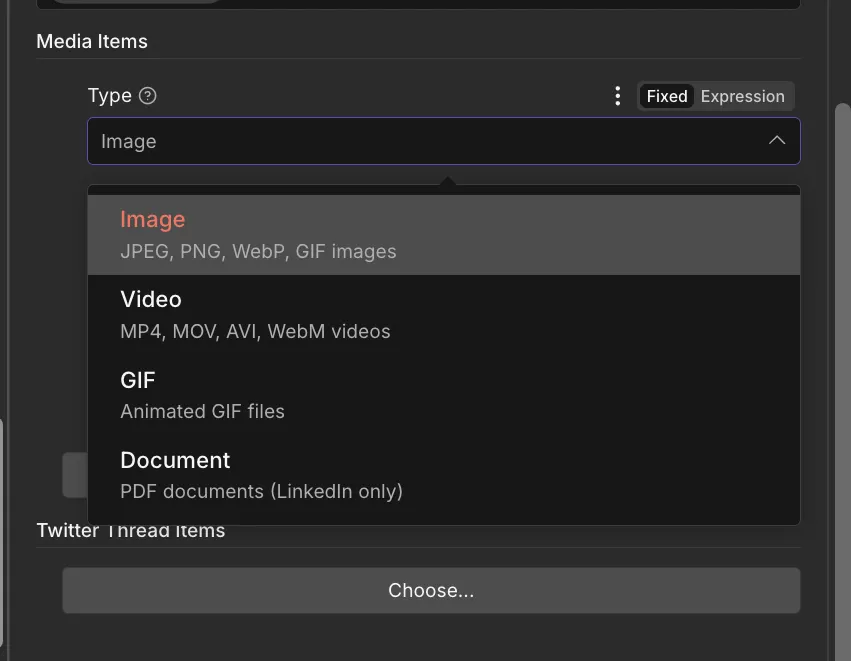
The Late API and n8n integration supports multiple media formats, including images, videos, GIFs, and PDF documents across supported social media platforms.
You can extend this workflow further by integrating AI-powered content generation or RSS-based automation. For example, you can add AI models to generate captions or automatically publish posts from RSS feeds, allowing you to build fully automated social media pipelines.
Understanding Popular Social Media Platforms
When building automated posting workflows with Late API, it's important to understand that each social media platform has its own content formats, media constraints, and publishing features. These differences affect how you structure your workflows in n8n, especially when posting across multiple platforms at once.
Late supports 13 major social media platforms and standardises their APIs, but platform-specific media requirements, such as image dimensions, video formats, and post types, still apply. The table below summarises the supported platforms, the types of posts you can publish, and where to find their detailed media requirements.
| Platform | Post | Media Requirements |
|---|---|---|
| Twitter / X | Text, Images, Videos, Threads | View |
| Feed, Stories, Reels, Carousels | View | |
| Text, Images, Videos, Reels | View | |
| Text, Images, Videos, Documents | View | |
| TikTok | Videos | View |
| YouTube | Videos, Shorts | View |
| Pins (Image/Video) | View | |
| Text, Images, Videos, Links | View | |
| Bluesky | Text, Images, Videos | View |
| Threads | Text, Images, Videos | View |
| Google Business | Updates, Photos | View |
| Telegram | Text, Images, Videos, Albums | View |
| Snapchat | Stories, Saved Stories, Spotlight | View |
Next Steps
So far, you've learnt how to build automated social media workflows for both text and multimedia content by combining n8n with Late API. With this foundation, you can scale from simple scheduled posts to fully automated, cross-platform publishing systems.
Late offers pre-built n8n templates for advanced social media automation, which are especially useful for agencies and social media managers handling dozens of client accounts, as well as developers building SaaS products that require content publishing directly within their applications. With Late API, you can manage 50+ client accounts from centralised workflows, implement white-label posting pipelines, and automate reporting and performance tracking.
Sign up and get your free API key to start building your own production-ready social media workflows.
Thank you for reading!

Miquel is the founder of Late, building the most reliable social media API for developers. Previously built multiple startups and scaled APIs to millions of requests.
View all articlesLearn more about Late with AI
See what AI assistants say about Late API and this topic